iTimeSheet is ready for iPhone Duo
iTimeSheet 5.1 fills both displays of iPhone Duo and follows you as you fold and unfold. On the inner display, the four screens you use every day open in two columns: the month beside the day, the timer beside today's entries, the numbers beside the clients, and what is due beside the invoice history.
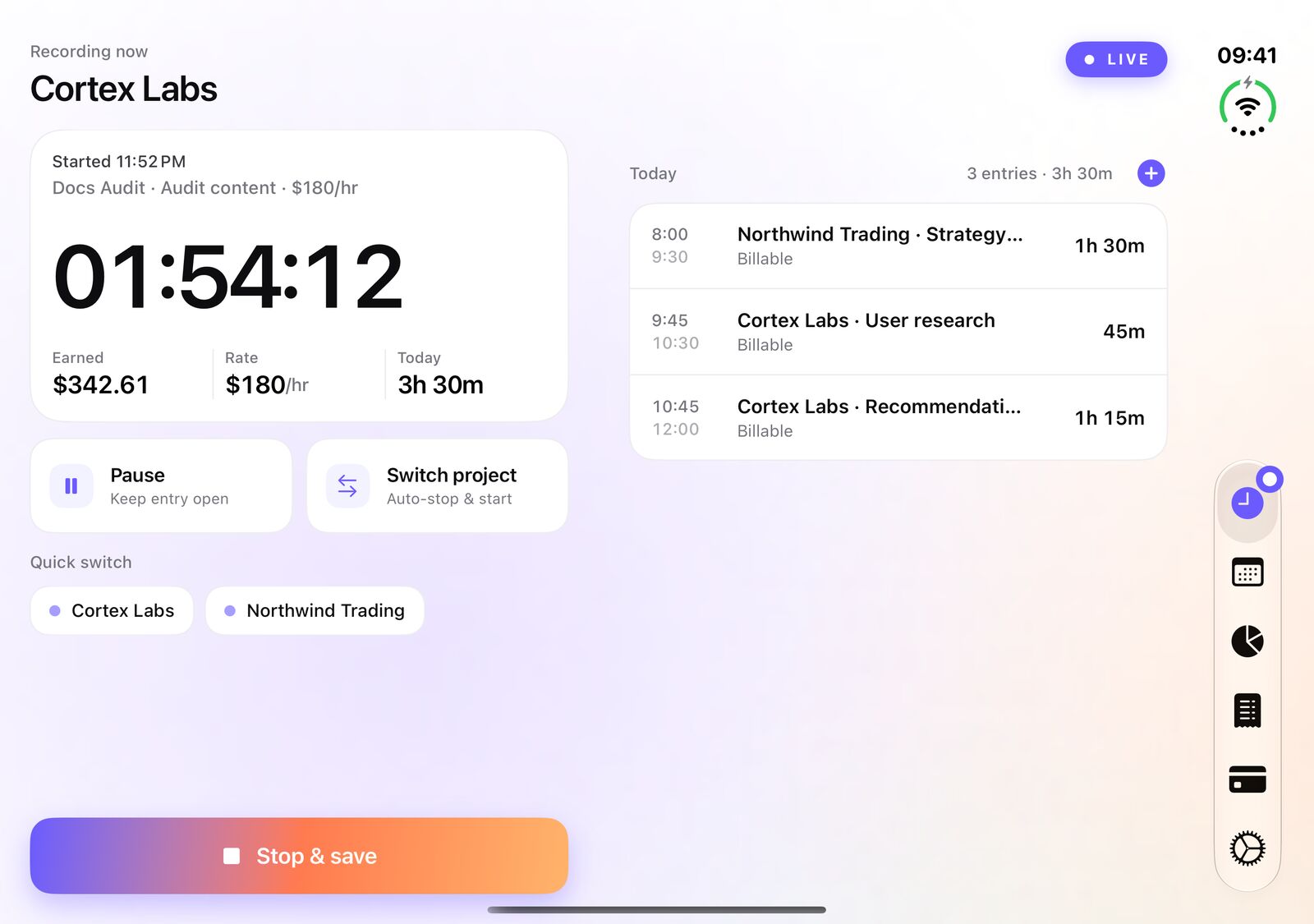
Unfold it: the timer and today's list side by side
Folded, iPhone Duo is an iPhone, and iTimeSheet looks the way you know it on the outer display. Unfold it and the app uses the full width of the inner display instead of stretching one phone column across it.
The Timer tab keeps the running timer, what it is earning and the Pause and Switch project buttons in the left column. Today's entries sit in the right column, so you can check the morning without leaving the timer.
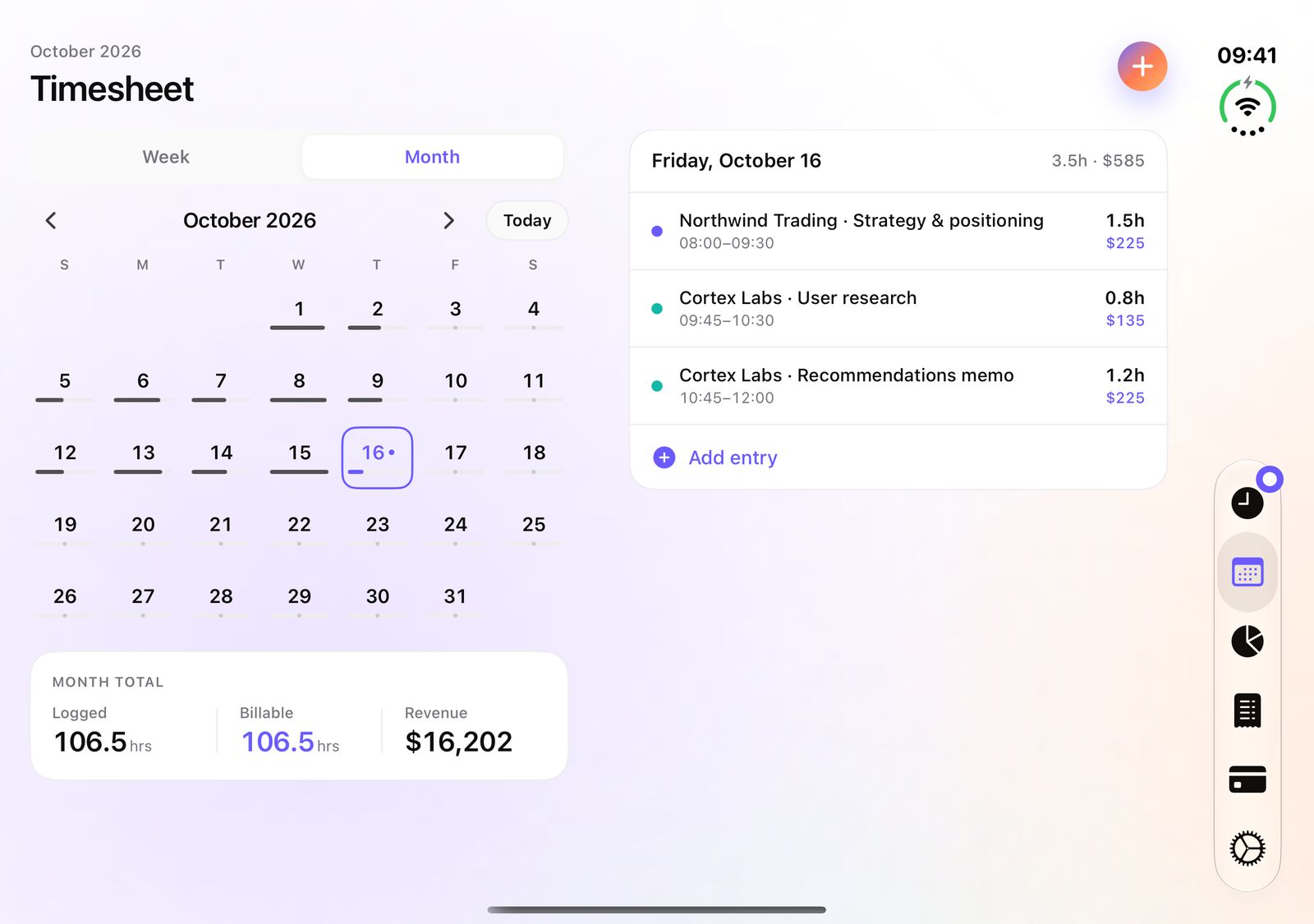
The month beside the day
The Timesheet tab shows the month grid with its totals (tracked, billable, revenue) on one side and the entries of the selected day on the other. Tap a day, the right column follows; add an entry without losing the month from view.
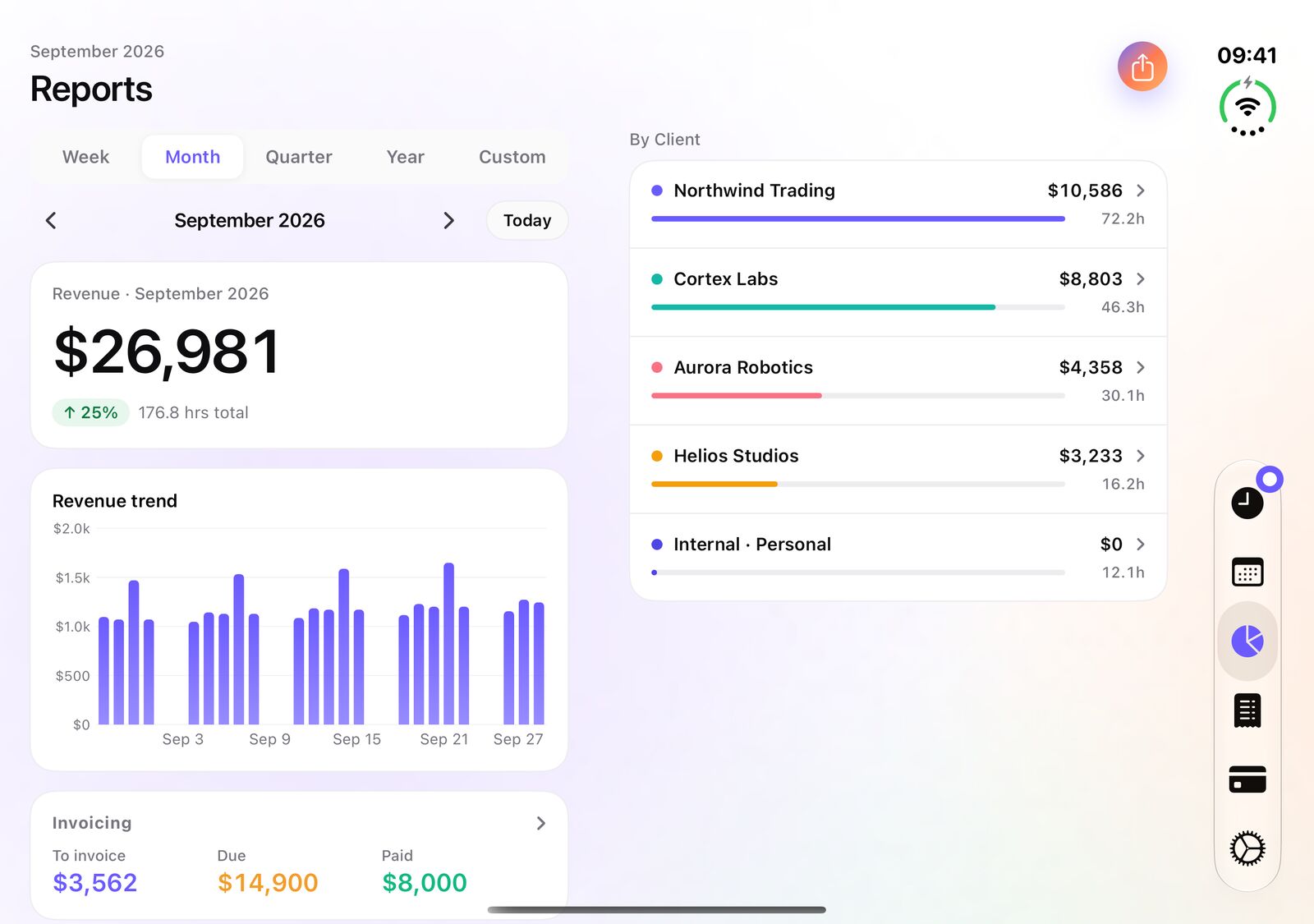
The numbers beside the clients
In Reports, the revenue for the period and its trend stay on the left while the breakdown by client fills the right column. The period picker (week, month, quarter, year or custom) drives both.
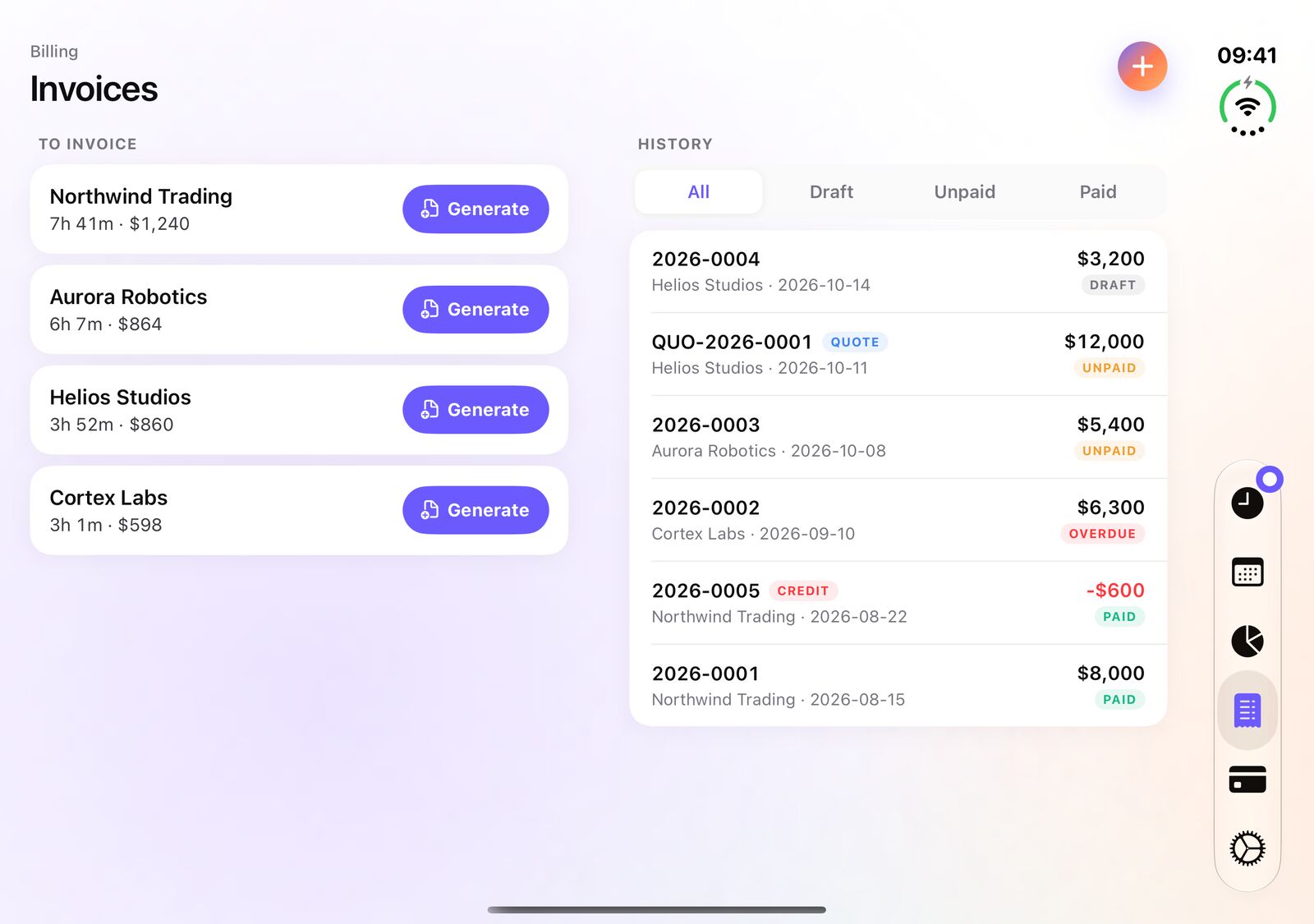
What is due beside the history
On Studio, the Invoices tab lists the clients with work still to invoice, each with its Generate button, next to the full history of invoices, quotes and credit notes with their Draft, Unpaid and Paid filters.
The tab bar on the side, like the system apps
When the inner display is open, the tab bar sits vertically on the side, the way the built-in apps place it. Fold the phone and everything returns to the familiar bottom bar.
And a new design on iPad
Version 5.1 also brings a new iPad design: Timer, Timesheet, Reports and Invoices open in two columns to make better use of the screen's width.
Version 5.1 is a free update from the App Store. The two-column layout works on every tier, Free included; the Invoices tab is part of Studio.
Frequently asked questions
Do I need to buy anything to use iTimeSheet on iPhone Duo?
No. iTimeSheet 5.1 is a free update. The two-column layout is available on every tier, including Free; what each tier unlocks (export, receipt photos, invoicing) does not change.
Does iTimeSheet work on both displays of iPhone Duo?
Yes. On the outer display it looks like iTimeSheet on any iPhone. When you unfold the phone, the Timer, Timesheet, Reports and Invoices tabs switch to two columns, and they go back to one column when you fold it again.
Is the two-column layout also on iPad?
Yes. Version 5.1 brings the same layout to iPad: the same four tabs open in two columns. The iPad version is included with the same purchase as on iPhone.
Are my entries synced between my iPhone and my iPad?
Not in real time. Each device keeps its own data. You can move it from one device to another with the iCloud backup and restore in Settings.